Projects
Create and manage projects in AgentDesk.
Projects are top-level workspaces that group tasks, agents, files, and schedules together.
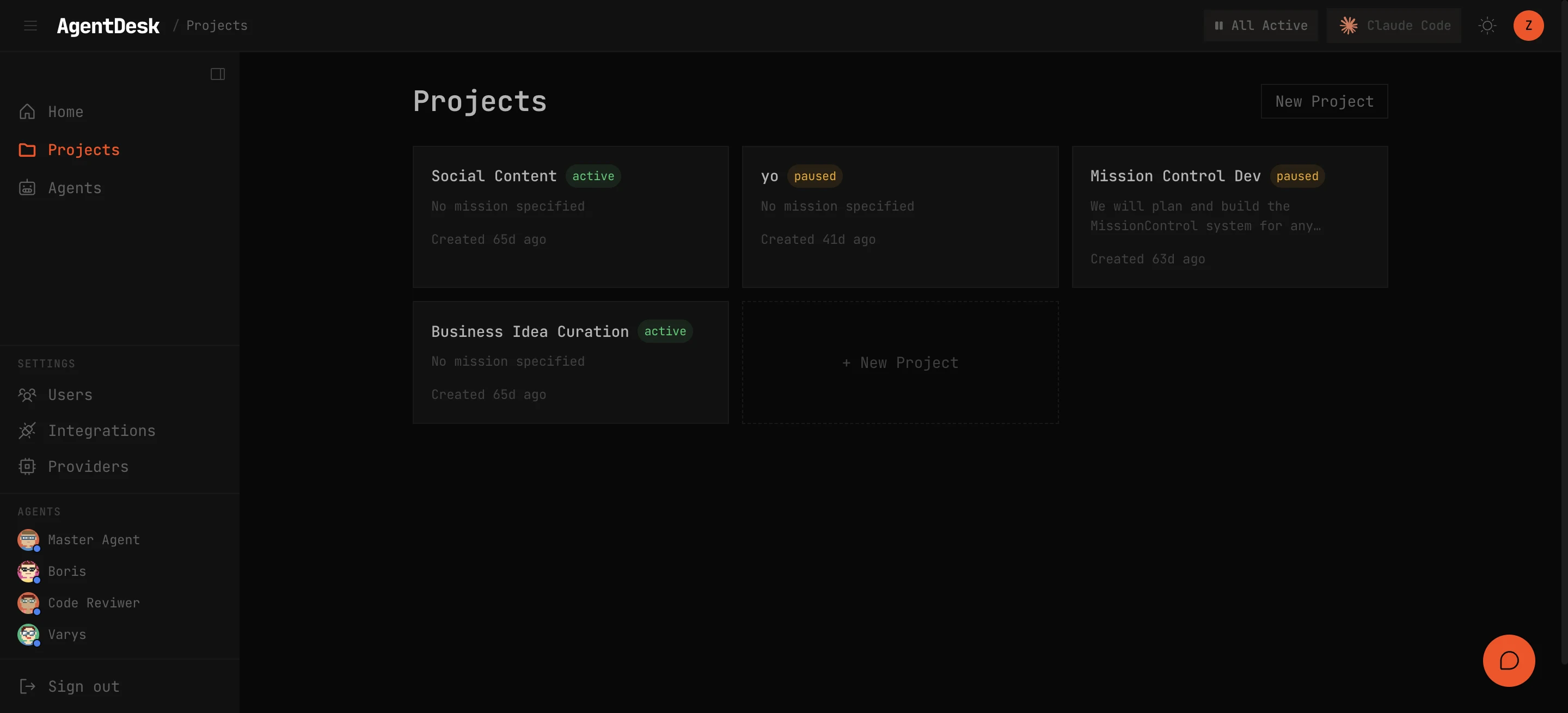
Creating a Project
- Click New Project from the dashboard
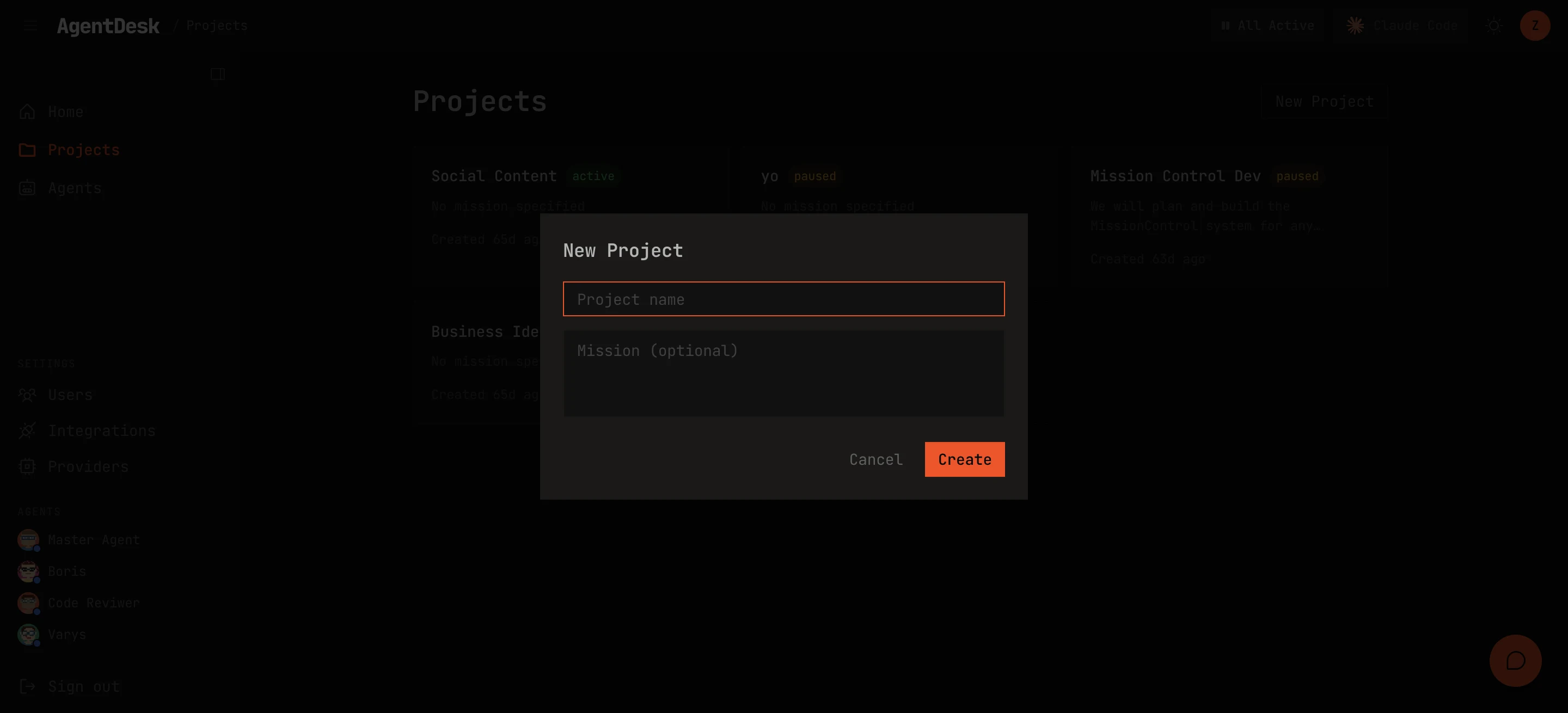
- Enter a name and optional mission statement
- The mission statement is injected into agent system prompts when they work on this project
Project Features
Mission Statement
The mission statement defines the project’s goals and constraints. Agents receive this as context when working on project tasks — it helps them make decisions aligned with your objectives.
Members
Add team members to a project with specific roles:
- Owner — full control over the project
- Member — can manage tasks and interact with agents
File Workspace
Each project has a scoped file workspace. Files stored here are accessible through the File Explorer and can be referenced in task descriptions and agent prompts. See File Explorer for details.
Project-Level Controls
- Pause — pause all task dispatch for this project without affecting other projects
- Resume — re-enable dispatch for a paused project
- Delete — remove the project and all associated tasks (requires confirmation)